
Axlo works with QuickBooks Online
Axlo handles your work orders, purchases and invoicing. QuickBooks Online keeps your books. Once connected, they talk to each other on their own: no more double entry, and your accountant has up-to-date numbers.
Already a client? You connect in a few clicks in Axlo, under Réglages › QuickBooks Online (Settings; the app is in French).
What goes into QuickBooks
Sales invoicesThe client, the lines (labour, parts, travel, fees), GST and QST to the cent, with Axlo’s invoice number.
Voided invoicesAn invoice voided in Axlo is voided in QuickBooks, with nothing to re-enter.
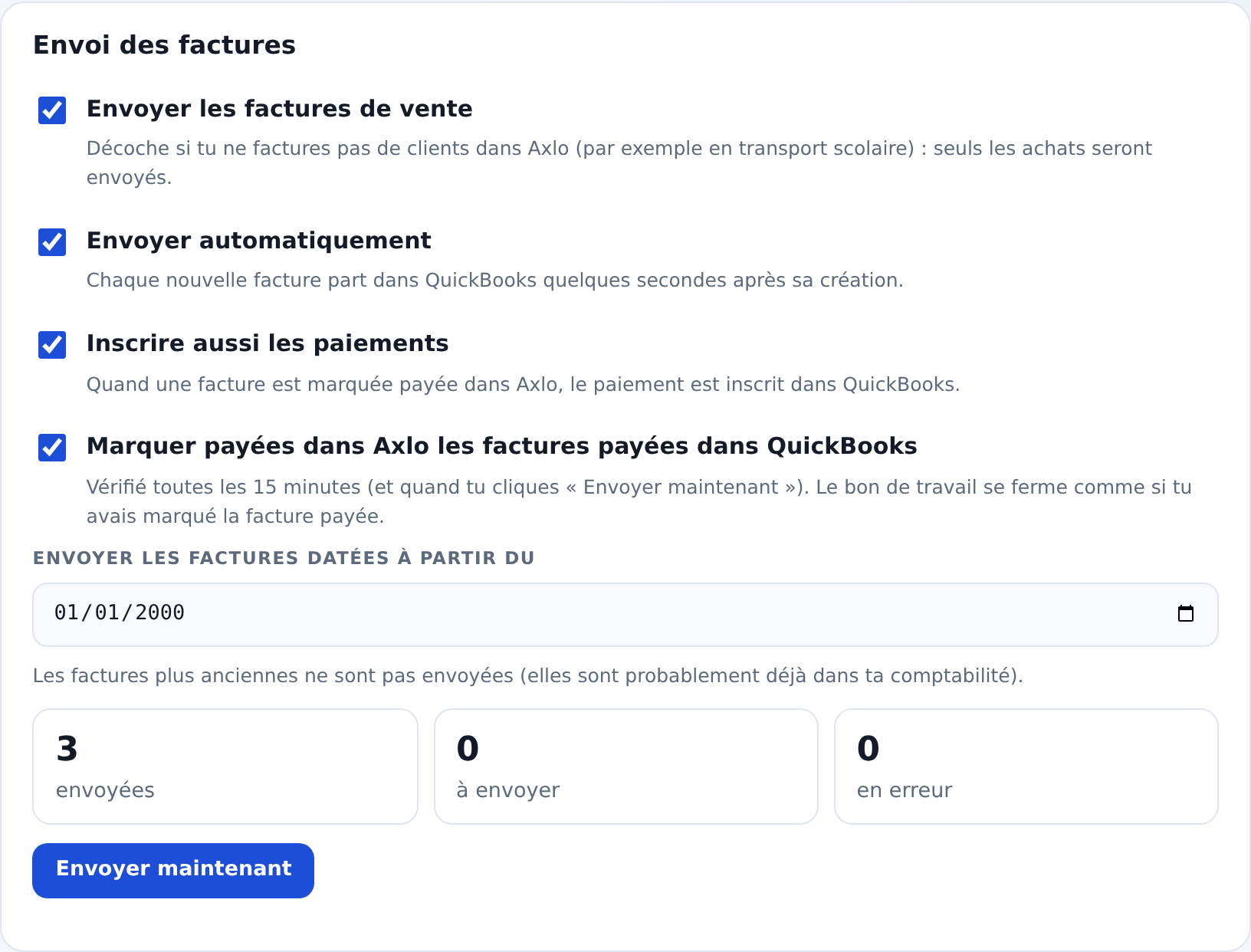
Payments, both waysA payment recorded in Axlo goes into QuickBooks. An invoice paid in QuickBooks is marked paid in Axlo, and the work order closes.
PurchasesEach purchase order receipt becomes a bill, and each return with a credit note becomes a supplier credit, in the accounts you choose.
Clients and suppliersMatched by name in QuickBooks, or created automatically.
Results by shopEach branch’s sales and purchases are classified by QuickBooks location.
Everything is set up in Axlo
How it works
- In Axlo, an administrator opens Réglages › QuickBooks Online (Settings) and clicks “Connecter QuickBooks”.
- They sign in to QuickBooks and authorize Axlo for their company.
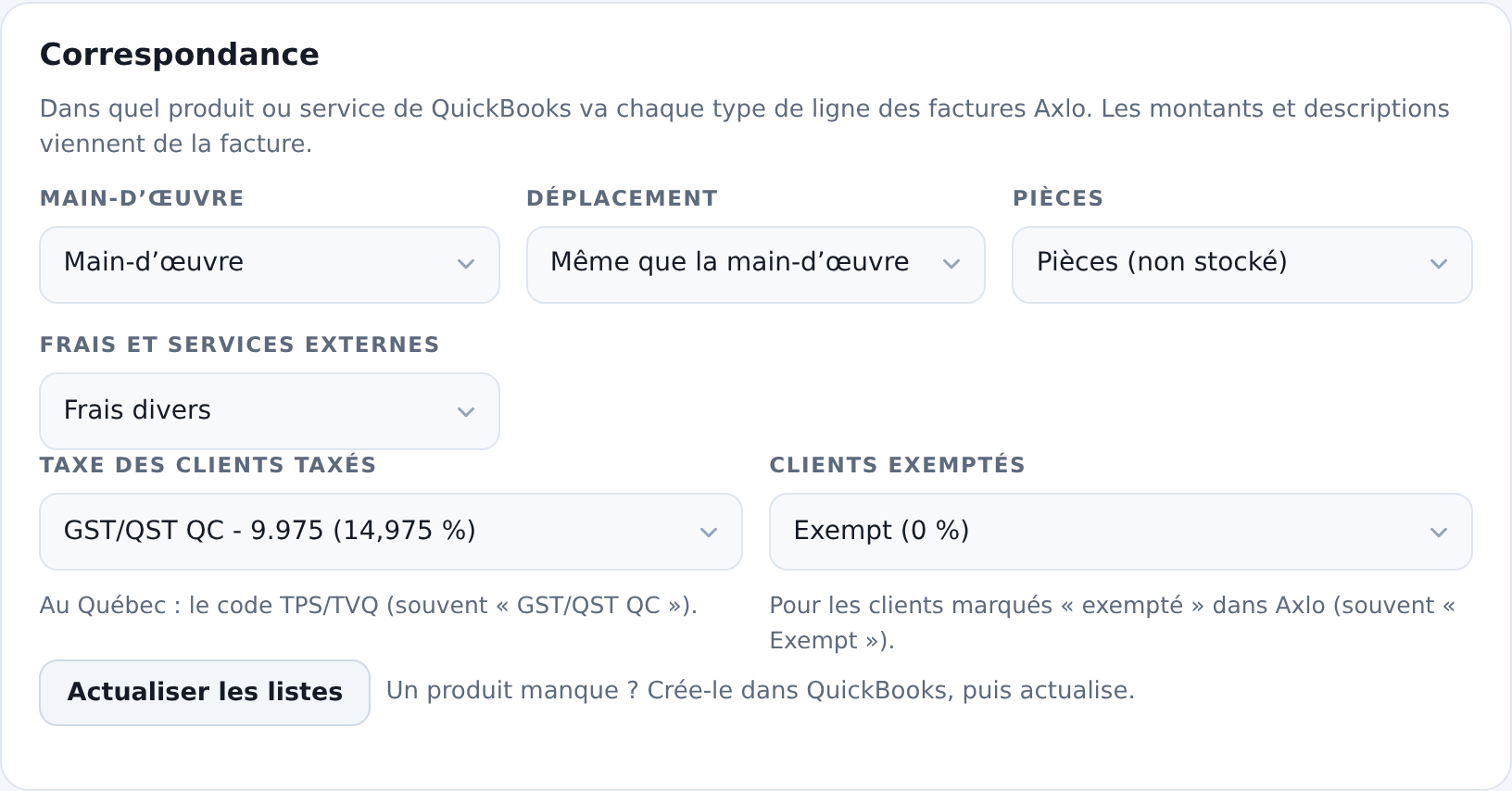
- They check the suggested mapping: products, taxes, accounts and branches.
- That’s it. Every invoice, purchase and payment goes through on its own.
Your data
Axlo uses its QuickBooks access only for these transfers. Access tokens are encrypted and hosted in Canada, and nothing is shared with a third party. You can disconnect at any time, in Axlo or in QuickBooks. Details in the privacy policy and the terms of use.
Requirements
- A QuickBooks Online (Canada) subscription, with GST and QST set up.
- Recommended: “Custom transaction numbers” turned on in QuickBooks, to keep Axlo’s invoice numbers.
Questions?
Write to us at info@axlo.ca, or see Axlo in action.
QuickBooks is a trademark of Intuit Inc. Axlo is not affiliated with Intuit.